

Agentic QA workflow
LLMs produce plausible code that slips past reviewers and unit tests. Here's how a QA plan and a Playwright-driven QA agent catch what they miss on the frontend

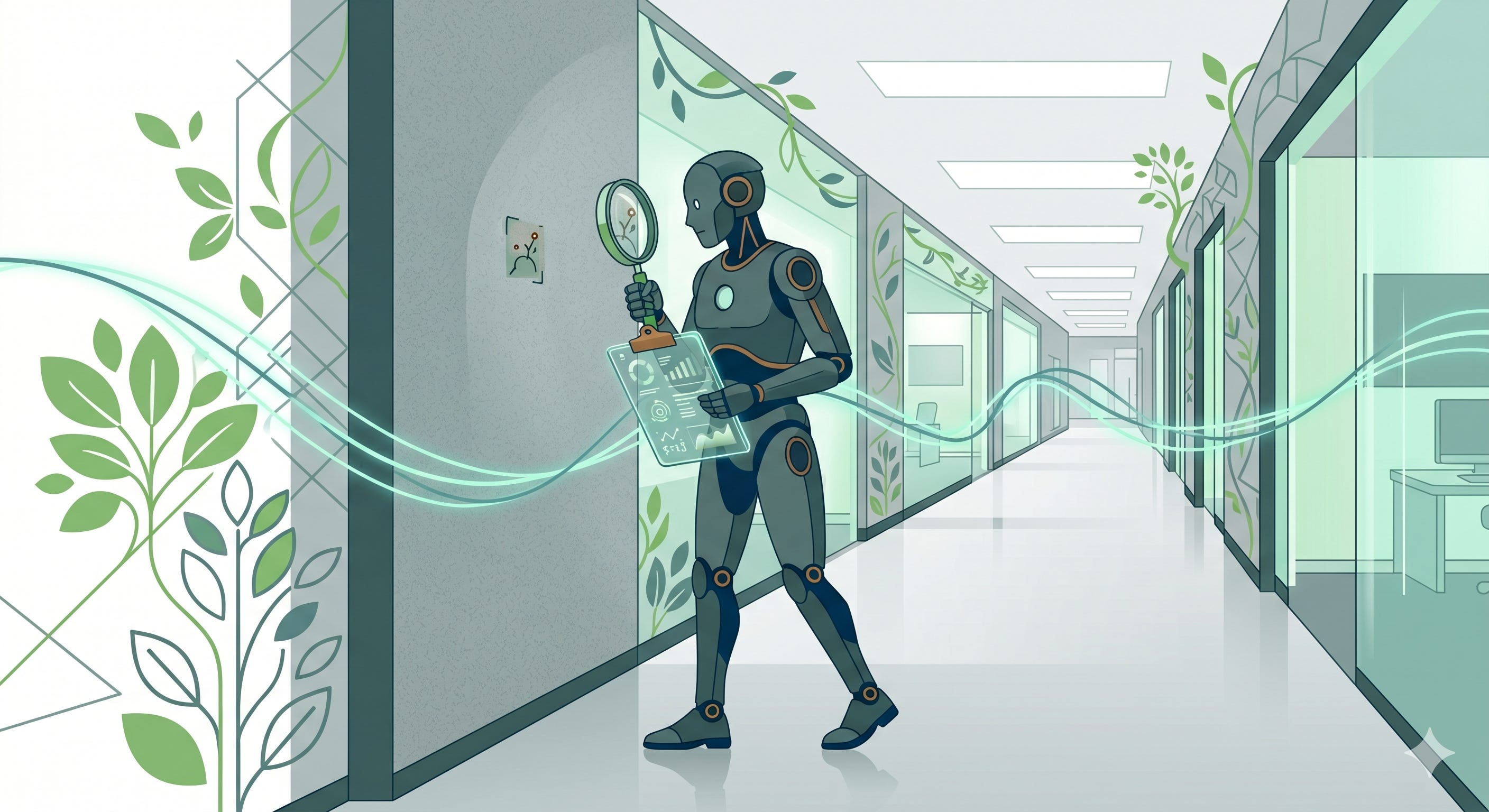
If you’re building something small, single-use, or disposable with an LLM, you can cut corners. If you’re building something ambitious, you need guardrails.
Human code review, unit tests, linting, security scans, hooks, CI - the usual moves still help. A lot of it can be automated. But none of it covers everything. Especially not on the front-end.
Why human review breaks down
LLMs produce a lot of code. Fast. And the code they produce is usually very similar to working code - statistically close to the real thing. If you rely on human code reviewers to do a final pass on the code, you might be falling into a trap: LLM-generated code often looks plausible. You can read a hundred lines of working code and miss the one subtle thing that isn’t quite right.
And the better LLMs become at writing code, the harder it becomes to spot the subtly wrong.
Human reviewers can easily be set up to be accountability sinks, set up to fail.
Cory Doctorow has an excellent essay that goes further on this. Seriously worth a read if you’re planning to use human eyes as a quality gate in any AI-powered workflow.
That said, human attention is very valuable. The trick is to build systems that amplify and support that attention. Not systems that expect humans to have machine-like attention spans.
A picture is worth a thousand words
If you are building something with a modern web frontend, the way it looks and feels is pretty hard to test. You can easily put a lot of effort into making automated tests for your frontend, and then miss the fact that it sucks to use on mobile devices because the text is really, really tiny.
Often, problems in code are not very visible at all. They only appear when you interact with the front end. You look at the thing with your eyes, click around, and find the things that don’t quite do what you expected.
Of course, automated tests help, but only so far. Playwright can check that buttons do what they’re supposed to when clicked. It can verify that menus appear and elements exist. But there is a limit.
If you build something with a frontend, you'd best look at the frontend.
Some teams have QA engineers who handle this kind of work, but it can become a pretty big, repetitive task. Manually clicking through the front end every time you want to ship is expensive in time and patience. You can’t rely on this kind of thing fully, you really shouldn’t, but it’s an important part of the toolbox.
Quick primer on spec-driven development
This post is about how I build QA functionality into my spec-driven development workflow. I realise that not everyone has heard of spec-dd, so here is a lil primer:
Spec-driven development means you don’t jump straight to code. First, you work with an LLM to write a spec — a markdown description of what needs to be built. Then you turn the spec into a plan — a concrete sequence of steps for implementing it, with references to files, tests, and code. Then you execute the plan.
A well-known example is spec-kit. I encourage you to go look at it very closely. But don’t assume it’ll work for you on your project by default. I’ve played around with a few Spec DD implementations and couldn’t get one that fitted my needs. So I decided to make my own.
I recommend you do too.
Where QA fits in
In the workflow I’m currently using, an LLM is used to create an implementation plan AND a QA plan from a spec file.
A QA plan is a markdown file. It’s a list of steps a competent human QA could follow to verify that everything works. It’s a write-up of a bunch of manual click-tests that explain things like:
Which pages to visit
Which buttons to click
Which menus to explore
Which tables should exist, and what they should contain
What to check on different screen sizes (full end-to-end on a large screen, visual-only spot-checks on smaller ones? )
It’s written alongside the spec and the implementation plan, not after the code is done. It’s part of the design.
I can look at this QA plan and make sure it captures what the feature is actually meant to do — complicated user flows, edge cases, all the weirdness. I can use it to see if any weird assumptions have slipped in; it lets me see the LLM’s “understanding” of a feature before it gets built.
Running the QA plan
Once the code is in place and looks about right, there is a command to run the QA test plan.
The command ensures the dev server is up, then passes the plan to a QA agent. The QA agent uses Playwright MCP to drive the browser — clicking, typing, navigating through the pages — and takes screenshots as it goes. The screenshots land in the same directory as the plan.
If a step needs data in the database — say, a feature that touches a large cohort of learners — the QA agent asks a QA helper subagent to make it. The helper has access to the dev database, and it can CRUD whatever it needs to.
The QA helper subagent is encouraged to use existing factories to create the structures it needs, rather than writing long setup scripts in the codebase. I’m a big fan of factory_boy for this: it lets you create a bunch of related objects at once, and the factories end up doubling as documentation for how your models relate.
I already have a bunch of factories set up that are used in the unit tests. The QA helper subagent uses those same factories. The object hierarchies it creates are officially sanctioned rather than hacky.
You are a human…
There’s one constraint on the QA agent that’s really important: it needs to behave like a human QA tester. It should not write code, run automated tests, fiddle with the database directly or any of that stuff. It can only interact with the browser as a human would.
If you let it act like a developer, it will cheat. It will write QA tests instead of clicking around. It will run the existing test suite and call that QA. It will add tests that duplicate what’s already in place, creating rigidity and coupling, and slowing down the whole suite. All of this is faster than actually walking through a front-end and looking at screenshots, so it’s what it’ll reach for.
So tell it, plainly, that it’s a human who can’t write code. If it needs help setting up test data, it can ask the QA helper. Otherwise, its job is to walk the plan, take screenshots, and report what it sees.
This costs tokens, and it costs time. The benefits are worth it: actual pictures of how the feature behaves, across the screen sizes your users will hit, without you having to click through every page yourself. Often, the QA report surfaces problems that did not show up in the unit tests. It’s really good at spotting issues, and it’s patient enough to check every screen and interaction thoroughly.
The report
When the QA agent is done, it writes a report.
The report covers every step in the plan — passed, failed, or partially passed — with the relevant screenshots alongside. And it flags extra things the agent noticed along the way. Regressions in unrelated parts of the UI. Bad decisions elsewhere that only became visible because the agent passed through, or bugs and edge cases you didn’t consider before.
The functionality under test worked great, the report might say — but it noticed a problem with something on the next page over. Free bonus bug reports.
You can find a bunch of qa_report.md files that this flow has generated here.
Dealing with QA test failures
If the report flags a real problem with the thing we’re actually building, then we need to fix it. Usually, TDD is the way to go:
Red: write a test that fails because of the bug.
Green: fix the bug so the test passes.
Refactor: Never forget this
Some minor issues can be dealt with directly, without the full TDD dance. But TDD is the default.
The plan and report as project history
The QA plan and the QA report both live in the repo as markdown files alongside the spec file. That matters more than it might sound. Old QA reports become useful reference documentation - they tell you how things are meant to behave from an end-user’s perspective.
Zoom out, and it’s true for any artefact of spec-driven development. Specs, plans, QA plans, QA reports — each one is a small record of what was built, why, and how it behaved.
Want to learn more?
I’m running a zero-to-hero spec-driven development course:
Spec Driven Django Development with Claude Code
You need a solid set of foundational skills to build effective workflows for your projects. There isn’t a one-size-fits-all solution. So this course has 2 parts:
An intense 2-day workshop that starts with the foundations and builds up to more advanced skills and techniques. You’ll get familiar with all sorts of tools and techniques, and you’ll see why they matter and where to use them
One month membership in an Agentic Django Mastermind group. The real learning will begin when you start taking your skills and applying them to real projects. This mastermind group is a place to get continued support and to interact with peers on a similar journey to you.
This space keeps changing. There is still a lot to discover. We’re building a place of discovery and mutual support.